Network Adapter Code 10 Windows 10. Download and install network adapter drivers how do i install driver updates? In the network connections, i cannot see local area connection, only my wireless connection is working.
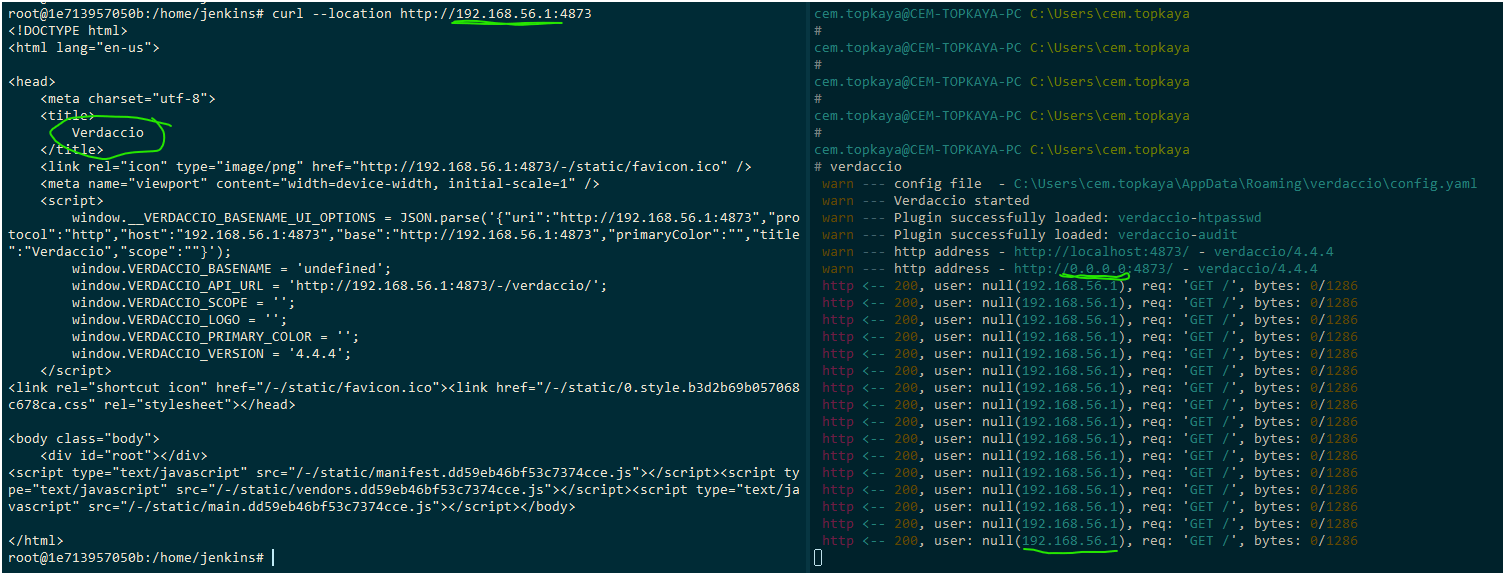
networking How to connect to docker host from container from www.thecodeteacher.com
Already tried the below things: Booted from usb and was offered four options: You can try the following fixes to solve the problem.
One Way Is To Press Windows + X, Select Device Manager To Open Device Manager In Windows 10.
This network adapter cannot start. Hard power off while machine running, wait 60 seconds and power on usually fix. Disable the power off option for the adapter:
Remove The Check Mark Beside Allow The Computer To Turn Off This Device To Save Power.
This often fixes this issue for you. I clean installed, used my ms account and windows failed to activate. The network adapter of my toshiba laptop suddenly goes code 10, and now i cant use my wifi without connecting it through lan cable.
This Download Installs Base Drivers, Intel® Proset For Windows* Device Manager, And Intel® Proset Adapter Configuration Utility For Intel® Network Adapters With Windows® 10.
Bio reset default also fix. First you'll want to open up device manager, then select network adapters. To fix your drivers problems you will need to know the particular model of.
Click On Start And Select Settings.
Im hoping someone here can help me. Expand network adapters right click on your wireless network adapter and select uninstall device the delete the driver software for this device check box uninstall. In the network connections, i cannot see local area connection, only my wireless connection is working.
Click The Power Management Tab.
Shutdown and restart does not fix. The properties show this device cannot start (code 10). Im not 100% sure what information you need but this is what i think will help.
Amazon Usb C To Hdmi Adapter . Lemorele usb c to dual hdmi adapter, type c to hdmi converter,hdmi dual monitor adapter 4k @60hz for macbook/macbook pro 2020/2019/2018,macbook air,chromebook pixel,surface book 2 $29.99 sold by lemorele direct and ships from amazon fulfillment. 3.8 out of 5 stars. USB C Hub HDMI Adapter Only 19.88 (Reg. 38) from www.raininghotcoupons.com Usb c to hdmi adapter,usb c adapter macbook pro accessories jzv hdmi to usb c with 4k hdmi usb 3.0 port usb c charging port usb hub usbc hdmi converter compatible for macbook pro macbook air ipad pro. Cablecreation usb c to hdmi cable, 3ft usb type c to 4k hdmi cable adapter for home office, compatible with macbook pro/ipad pro 2020 2019, surface book 2, dell xps 15, samsung s10, s9 plus, (not compatible with xperia series) 0.9m/black. 4.3 out of 5 stars.
Can You Use A Phone As An Xbox Controller . In this article we discuss the main games that are compatible with the xbox controller. To do so, you need the xbox one smartglass app, or if you have a windows 10 phone, the xbox app works as well. (How to Use & Connect) Microsoft Xbox Controller for PC from www.techinpost.com In this article we discuss the main games that are compatible with the xbox controller. You don't need to fight over controllers anymore, just use xbstream app, and enjoy the game with your phone! To do so, you need the xbox one smartglass app, or if you have a windows 10 phone, the xbox app works as well.
Xbox One Headset Adapter Box . Click on that and youll see sliders for headset volume, the headset chat. On supported consoles, some voice chat features may require xbox game pass ultimate or xbox live gold (memberships sold separately). Stereo Headset Headphone Audio Game Adapter For Microsoft from www.ebay.com For use with xbox x|s, xbox one and windows 10 devices. If you plug in your headset, press the xbox guide button, then scroll all the way over to the left (to your profile picture), you should now see a section called audio right above settings. Plug your favorite compatible headset into the xbox one stereo headset adapter and hear the action just the way you like it.


Comments
Post a Comment