Wireless Controller For Xbox One Gamestop. Choose from a variety […] Dark_vercetti 6 years ago #2.
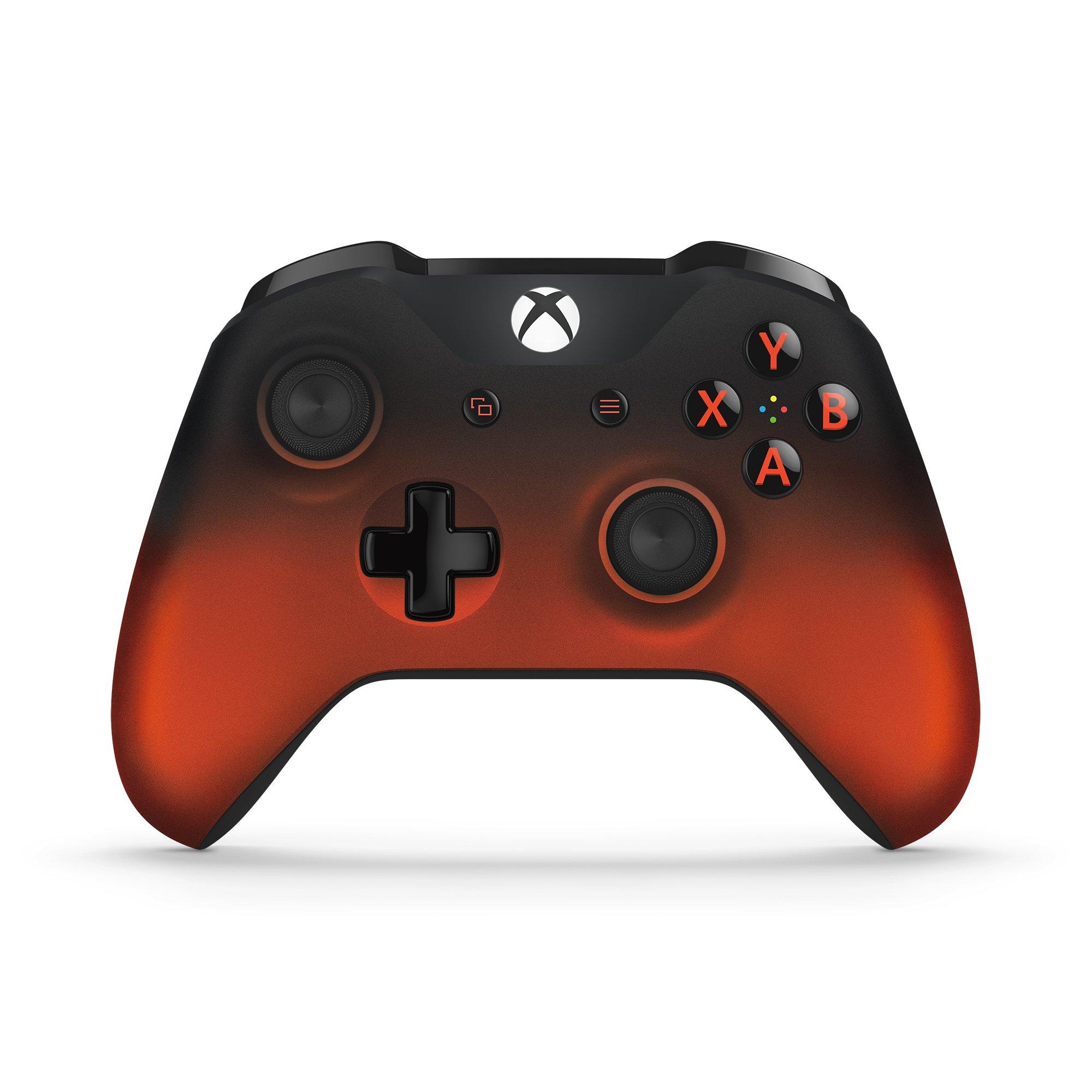
Xbox One Wireless Controller Volcano Shadow Special from www.gamestop.com
Button mapping allows you to customize your controller just the way you like it. Experience the modernised design of the xbox wireless controller in robot white, featuring sculpted surfaces and refined geometry for enhanced comfort and effortless control during gameplay. New vibration motors in the triggers provide precise fingertip feedback bringing weapons, crashes, and jolts to life for a whole new level of gaming realism.*
Xbox Elite Wireless Controller Series 2.
Experience the modernised xbox wireless controller in daystrike camo, designed for enhanced comfort during gameplay. Button mapping allows you to customize your controller just the way you like it. The ps3 controllers do that too, once its plugged in to the ps3 or a pc it gets powered by the console / pc.
I Know Hori, Rock Candy, And Spectra Make Wireless Ones.
Compatible with xbox one s, xbox one x, xbox series x, xbox series s, windows 10 and android. This xbox one controller is. Not correct, the xbox ones controller will shut off its wireless connection once a usb cord is plugged into ether an xbox one or pc thus not using batteries or battery packs at all.
New Impulse Triggers Deliver Fingertip Vibration Feedback, So You Can Feel Every Jolt And Crash In High Definition.
The best controller just got even better. And yes the play n charge kits sucked. Xbox wireless controller forza horizon 5.
Feel The Action With Impulse Triggers And Enjoy Custom Button Mapping.*.
Quickly pair with, play on, and switch between devices including xbox. Experience the enhanced comfort and feel of the new xbox wireless controller, featuring a sleek, streamlined design and textured grip. Compatible with xbox one play and charge kit.
Includes Bluetooth® Technology For Gaming On Windows 10 Pcs And Tablets.
Compare up to 4 products: * range compared to previous controllers, using the xbox one s console. Experience the action like never before with the xbox one wireless controller.
Amazon Usb C To Hdmi Adapter . Lemorele usb c to dual hdmi adapter, type c to hdmi converter,hdmi dual monitor adapter 4k @60hz for macbook/macbook pro 2020/2019/2018,macbook air,chromebook pixel,surface book 2 $29.99 sold by lemorele direct and ships from amazon fulfillment. 3.8 out of 5 stars. USB C Hub HDMI Adapter Only 19.88 (Reg. 38) from www.raininghotcoupons.com Usb c to hdmi adapter,usb c adapter macbook pro accessories jzv hdmi to usb c with 4k hdmi usb 3.0 port usb c charging port usb hub usbc hdmi converter compatible for macbook pro macbook air ipad pro. Cablecreation usb c to hdmi cable, 3ft usb type c to 4k hdmi cable adapter for home office, compatible with macbook pro/ipad pro 2020 2019, surface book 2, dell xps 15, samsung s10, s9 plus, (not compatible with xperia series) 0.9m/black. 4.3 out of 5 stars.
Can You Use A Phone As An Xbox Controller . In this article we discuss the main games that are compatible with the xbox controller. To do so, you need the xbox one smartglass app, or if you have a windows 10 phone, the xbox app works as well. (How to Use & Connect) Microsoft Xbox Controller for PC from www.techinpost.com In this article we discuss the main games that are compatible with the xbox controller. You don't need to fight over controllers anymore, just use xbstream app, and enjoy the game with your phone! To do so, you need the xbox one smartglass app, or if you have a windows 10 phone, the xbox app works as well.
Xbox One Headset Adapter Box . Click on that and youll see sliders for headset volume, the headset chat. On supported consoles, some voice chat features may require xbox game pass ultimate or xbox live gold (memberships sold separately). Stereo Headset Headphone Audio Game Adapter For Microsoft from www.ebay.com For use with xbox x|s, xbox one and windows 10 devices. If you plug in your headset, press the xbox guide button, then scroll all the way over to the left (to your profile picture), you should now see a section called audio right above settings. Plug your favorite compatible headset into the xbox one stereo headset adapter and hear the action just the way you like it.


Comments
Post a Comment